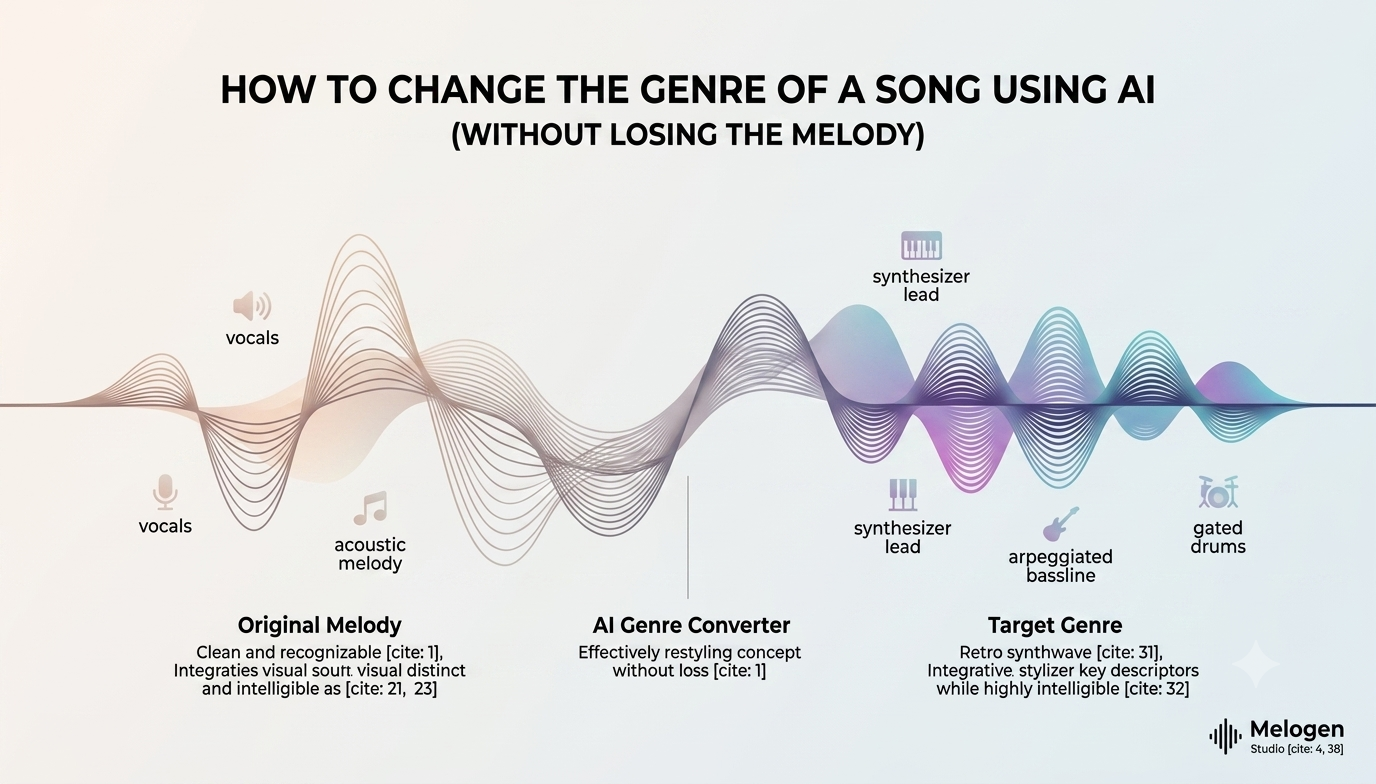
Imagine taking a soft acoustic melody you crafted yesterday and transforming it into a synthwave banger or a lo-fi hip-hop track by tonight.
Historically, learning how to restyle a song meant re-recording every single instrument in a studio, hiring session musicians, and spending hours re-arranging chords. Today, AI music tools allow you to flip genre boundaries in just a few clicks.
Here is how you can use Melogen Studio to restyle any song or musical concept into a completely new genre while keeping your core melody intact.
Step 1: Define Your Core Melody & Target Genre Blueprint
Before jumping into generation, you need to break down your original song’s sonic DNA. A common mistake when trying to restyle a song is treating a genre change like a blanket audio filter. Every genre relies on distinct musical building blocks.
Identify the core elements you want to retain:
- The Lead Melody & Rhythm: The defining hook, vocal style, or main synth motif.
- Tempo (BPM) & Mood: Is it an energetic 120 BPM pop vibe or a relaxed 75 BPM lo-fi groove?
Next, establish the signature elements of your target genre:
- Lo-Fi Hip Hop: Warm vinyl crackle, swung drum rhythms, mellow electric piano, relaxed atmosphere.
- Cyberpunk / Synthwave: Heavy arpeggiated bass, gated reverb drums, analog synth pads, punchy energy.
- Acoustic Indie: Intimate acoustic guitars, light percussion, organic reverb.
Step 2: Generate the New Track with Advanced AI Controls
Now it’s time to bring your new genre concept to life. Navigate to our AI Music Generator and head over to the Advanced Tab.
While simple prompt boxes generate random ideas, the Advanced Tab in Melogen Studio gives you manual controls over genre parameters, instruments, and style settings—ensuring the AI respects your original structure.
How to Craft a Restyling Prompt:
To keep your original vibe while shifting genres, structure your text prompt like this:
[Original Vibe/Melodic Hook] + [Target Genre] + [Key Instruments] + [Tempo/BPM]
Prompt Examples:
- Acoustic Folk ➔ Chill Lo-Fi:"Warm lo-fi hip hop beat, relaxed jazz chord progression, dusty vinyl crackle, gentle acoustic lead melody, 80 BPM."
- Upbeat Pop ➔ 80s Synthwave:"Retro synthwave instrumental, driving arpeggiated bass, gated 80s drums, nostalgic neon atmosphere, high energy, 118 BPM."
🎨 Looking for prompt ideas? Explore our guide on 50 Text-to-Music Prompt Examples for Every Genre to copy exact formulas for pop, rock, EDM, ambient, and more.
Bonus: Blend Your Original MP3 Audio
Have an existing MP3 file or vocal take you want to feature in the new track? Melogen Studio allows you to upload your MP3 file directly alongside your prompt before hitting generate. The platform will blend your uploaded audio with the newly generated music, seamlessly fusing your original sound into the fresh genre background.
Step 3: Polish in the Studio Section
Once your track is generated, send it straight into the Studio section.
This is where Melogen Studio sets itself apart from standard AI music generators that lock you into flat, un-editable audio files. Inside the Studio interface, you can fine-tune playback, edit arrangements, adjust timing, and layer elements so the new genre setup fits your vision seamlessly.
Step 4: Isolate and Mix Stems with Stem Separation
Even after generating a brilliant track in a new genre, certain instruments might compete with your main melody. That’s where Stem Separation comes into play.
In the Stem Separation tab, you can break down your generated track into isolated layers (such as vocals, drums, bass, and instrumentals):
- Remove Cluttering Elements: If the new genre’s drum pattern is too busy for your melody, mute or reduce the drum stem.
- Highlight the Lead Hook: Boost or isolate the main lead stem so your song’s primary hook sits front-and-center in the mix.
- Swap or Layer Stems: Add or remove specific stems to create custom drops, intros, or acoustic breakdowns.
💡 Want to master stem editing? Read our complete guide on How to Separate Music Stems for Free Using AI to learn how stem-level control gives you complete production freedom.
Transform Your Music Ideas with Melogen Studio
Restyling a song shouldn't mean starting from scratch or settling for a rigid AI output. With Melogen Studio, you get advanced text-to-music prompting, audio MP3 uploading, in-depth studio editing, and precise stem separation—all in one place.
Ready to hear your track in a whole new light? Try Melogen Studio for free today and start restyling your tracks effortlessly!